# ZZ Translation产品说明书
ZZ Translation专业级出海聊天平台,融汇世界,言畅四方
{% hint style="success" %}
海外推广,实时翻译 请联系官方客服 [@fanyizz](https://t.me/fanyizz)
{% endhint %}
## 简介
### 专注于帮助用户在跨语言环境下,进行多种社交工具运营的翻译聊天聚合平台。
支持全球200+语种,提供谷歌、deepL等实时双向翻译功能,智能快捷多种模式回复。
支持账号多开,满足海外账号运营、进粉统计、分享工单、账号分流等实用功能。
## 核心功能
* 支持主流16+社交APP,全球200+翻译线路,提供DeepL等专业线路
* 自定义代理IP设置
* 支持消息群发、快捷回复、欢迎语回复、关键词回复
* 无设备限制登录 ZZ Translation终端
* 支持图片还原翻译
* 支持语音翻译
# 新手必读
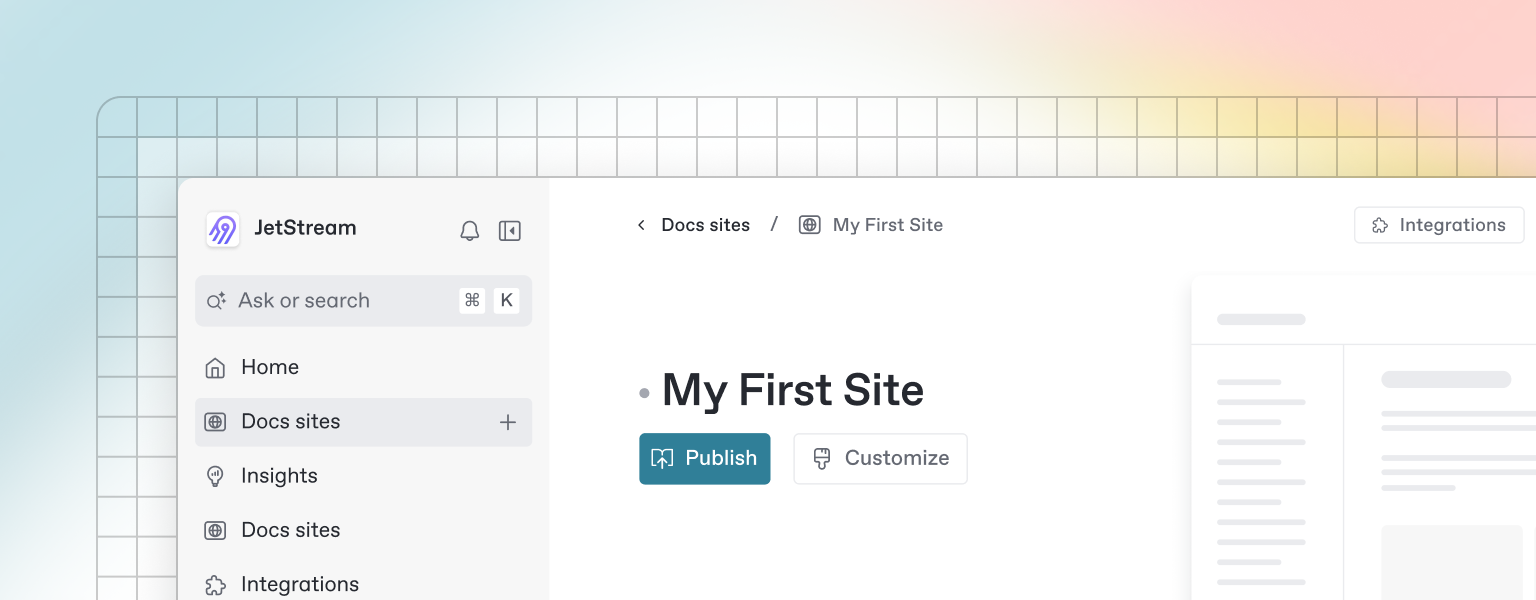
Once you’ve finished writing, editing, or importing your content, you can publish your work to the web as a docs site. Once published, your site will be accessible online only to your selected audience.
You can publish your site and find related settings from your docs site's homepage.
# 下载安装
# 注册登录
# 常见问题
# ZZ Translation客户端
GitBook has a powerful block-based editor that allows you to seamlessly create, update, and enhance your content.
### Writing content
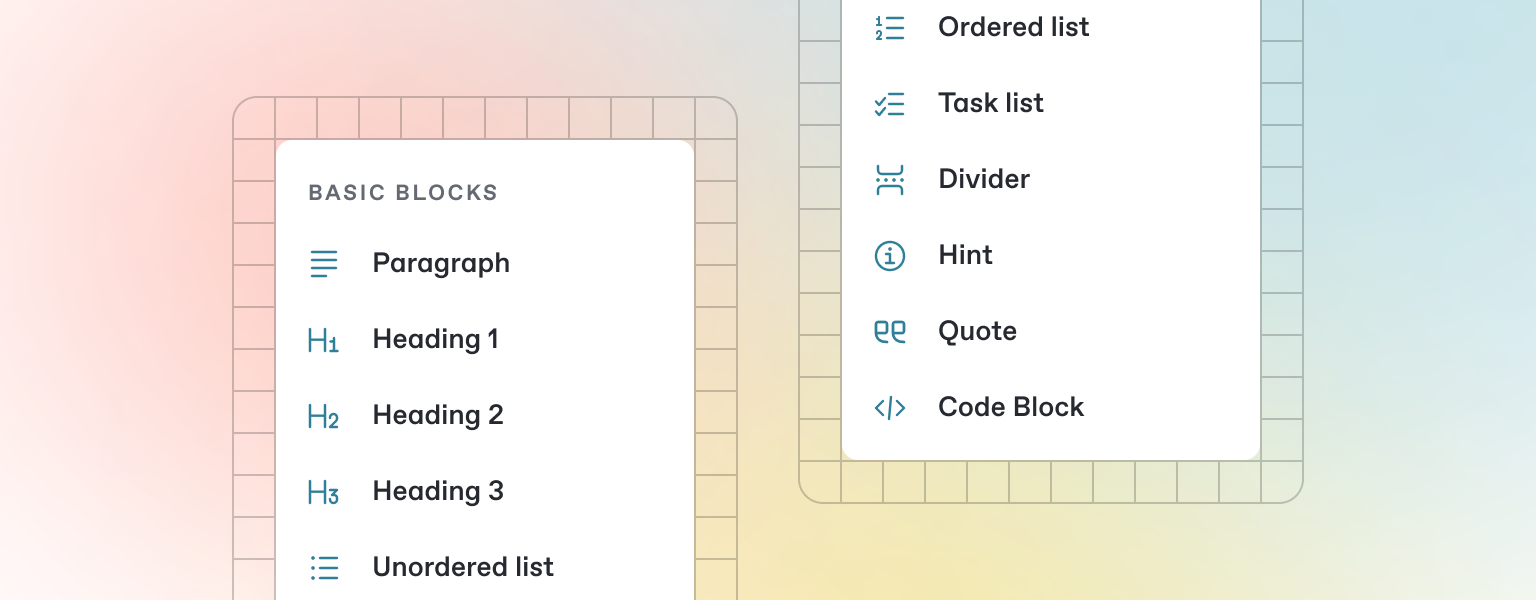
GitBook offers a range of block types for you to add to your content inline — from simple text and tables, to code blocks and more. These elements will make your pages more useful to readers, and offer extra information and context.
Either start typing below, or press `/` to see a list of the blocks you can insert into your page.
# ZZ Translation网站后台
GitBook supports many different types of content, and is backed by Markdown — meaning you can copy and paste any existing Markdown files directly into the editor!
Feel free to test it out and copy the Markdown below by hovering over the code block in the upper right, and pasting into a new line underneath.
```markdown
# Heading
This is some paragraph text, with a [link](https://docs.gitbook.com) to our docs.
## Heading 2
- Point 1
- Point 2
- Point 3
```
{% hint style="info" %}
If you have multiple files, GitBook makes it easy to import full repositories too — allowing you to keep your GitBook content in sync.
{% endhint %}
# 更新日志
# 联系客服